

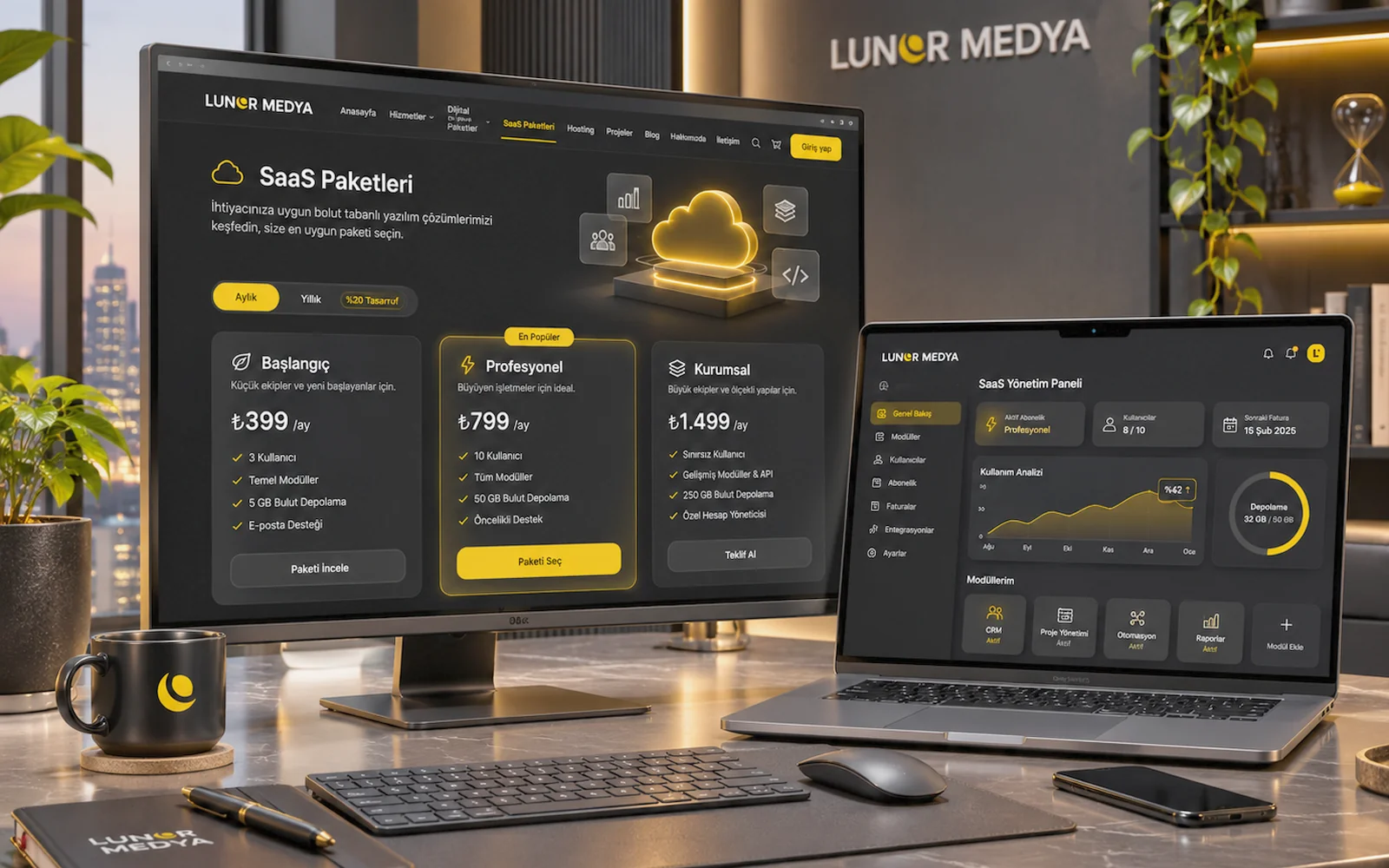
Representative image — screens, charts and figures are illustrative, not real client results.
Lunor Medya's approach to SaaS
SaaS (Software as a Service) means using software over the internet on a subscription, instead of buying it and installing it on your own server. Servers, updates and backups stay with the provider; you log in from a browser or phone and run your business.
Lunor Medya's SaaS solutions are built on a shared core for sectors with similar workflows: customer records, calendar, user roles, notifications and reporting appear everywhere. Sector-specific modules sit on top of that core. For a photographer, galleries and photo selection matter most; for a clinic, doctor calendars and tightly permissioned patient records; for a barber, chair and staff scheduling.
The sections below introduce sector solutions; they are not a catalogue of finished products. Modules are configured to fit each business, and which modules are ready to use, which need adaptation and the price are confirmed in the offer after a discovery call.
Doctor and Clinic Management Software
What it solves and who it is for
In practices and clinics, bookings are often scattered across phone calls, a paper diary and a messaging app; two patients end up in the same slot and reminders are forgotten. This solution is for appointment-based healthcare businesses such as private practices, outpatient clinics, dental clinics, physiotherapists and dietitians.
Typical modules
- Patient record: contact details, appointment history and notes visible to the doctor; medical fields are defined to suit the clinic.
- Doctor calendars: separate working hours, consultation lengths and leave days for each doctor; room or equipment scheduling added where needed.
- Roles: reception sees bookings and contact details; only the authorised doctor can access clinical notes.
- Notifications: booking confirmations and reminders, kept informational and in line with healthcare advertising rules.
- Reporting: utilisation per doctor, no-show rate and appointment counts by period.
Data security, plans and support
Health data is special-category personal data under Turkish data protection law (KVKK). Access permissions, activity logs, the privacy notice and explicit consent flow are therefore planned together at the start, while the clinic remains the data controller. Subscriptions are structured around the number of users and doctors, and staff training is part of onboarding. If the clinic also needs a public website, it can be planned alongside the doctor and clinic website package.
Photographer Management Software
What it solves and who it is for
A photographer's work does not end at the shoot: quotes, deposits, shoot dates, delivering hundreds of images and the client choosing photos for an album all need tracking. Wedding, newborn, product and event photographers, as well as small studios, are the users of this solution.
Typical modules
- Client and job record: shoot type, package, date, location notes and payment status on one card.
- Shoot calendar: prevents double bookings and assigns jobs per photographer when there is a team.
- Online galleries: client-only galleries opened by password or private link, with adjustable download permission and expiry.
- Photo selection: clients mark images for an album or prints, with a selection limit and a notification to the photographer.
- Roles and notifications: different permissions for studio owner, photographer and assistant; alerts such as gallery ready, selection complete or payment reminder.
- Reporting: monthly shoot count, package mix and outstanding payments.
Data security, plans and support
Galleries are private to each client and hidden from search engines; personal images are treated as personal data under KVKK. Storage space and gallery count are the main factors in the subscription plan. Package contents and terms are on the Photographer SaaS Package page, and during setup we enter a sample job end to end with you.
Beauty Centre Management Systems
What it solves and who it is for
Beauty centres sell treatments in sessions: tracking remaining sessions in laser, skincare or massage packages, scheduling by room and specialist, and collecting payment on package sales all happen together. Beauty salons, skincare centres, nail studios and spas can use this solution.
Typical modules
- Client card: contact details, treatments received, products used and specialist notes.
- Session and package tracking: package sold, sessions used and remaining, expiry date.
- Calendar: bookings by specialist, room and device, with time blocked automatically by treatment length.
- Roles: different views for reception, specialists and managers; commission and till screens visible only to authorised users.
- Notifications: session reminders, package-ending alerts and birthday messages, sent only with consent.
- Reporting: treatments per specialist, package sales and utilisation.
Data security, plans and support
Fields such as skin type or allergies can count as sensitive data, so which fields are kept and who can see them is decided during setup; separate consent is collected for marketing messages. Subscriptions depend on the number of branches and specialists. Importing the existing client list and training staff are part of onboarding.
Barber and Hair Salon Management Software
What it solves and who it is for
In barbershops and hair salons, several chairs and staff fill up at once with services of different lengths. When phone bookings and walk-ins collide, the queue falls apart. The solution targets barbers, women's hair salons, unisex salons and multi-branch chains.
Typical modules
- Chair and staff planning: each stylist's working days, breaks and services, with an occupancy view by chair.
- Online booking: customers choose a service and preferred stylist, then see free slots.
- Customer record: last service, preferred stylist and short notes.
- Roles: staff see only their own calendar; managers see the whole salon and the till.
- Notifications: booking reminders, and an alert to the team when a cancellation frees a slot.
- Reporting: services and revenue per stylist, busiest hours and no-shows.
Data security, plans and support
The data held is mostly contact and booking details; even so, a privacy notice and marketing consent are built into the booking flow. Subscriptions are planned by branch and staff count. During setup the service list and durations are entered together, and staff are shown how to use it on their phones.
Appointment and Booking Systems
What it solves and who it is for
Any business that sells time, regardless of sector, has the same core booking problem: availability is not visible in one place. Consultants, trainers, fitness studios, car service centres, law and accounting offices, and venue or equipment rental businesses can use this solution.
Typical modules
- Services and resources: duration, capacity, price and the linked person, room or equipment.
- Online booking page: a booking screen you can embed on your website or share as a link.
- Calendar rules: minimum notice, cancellation window and capacity for group sessions.
- Customer management: booking history, cancellations and notes.
- Roles and notifications: manager, staff and front-desk permissions; confirmation, reminder and cancellation messages.
- Reporting: utilisation per resource, cancellation rate and bookings by period.
Data security, plans and support
The booking form asks only for what is needed, and the privacy notice is linked to the form. If online prepayment or a deposit is required, payment provider integration is assessed separately. Package contents are on the Appointment and Booking SaaS page, and services and opening hours are set up together during onboarding.
Service and Customer Tracking Software
What it solves and who it is for
For businesses that track jobs more than appointments, the real need is to see who has a request, what stage it is at and what was last said to the customer. Technical service providers, cleaning and maintenance companies, agencies, training providers and businesses with field teams can use this solution.
Typical modules
- Customer and request records: company or contact card, requests, quotes and call notes.
- Workflow: requests moving through stages such as new, assigned, on site and completed.
- Tasks and calendar: assigning jobs, planning site visits and scheduling recurring maintenance.
- Roles: field staff see their own jobs, operations leads see the full flow, managers see reports.
- Notifications: alerts such as new job assigned, job completed or maintenance due.
- Reporting: completed jobs per person, average completion time and open requests.
Data security, plans and support
Customer addresses and contact details are shown according to role, and the fields visible to field staff are limited. Subscriptions depend on user count and modules used. If the process becomes highly specific to your business, the solution may be better handled as custom software rather than SaaS.
Shared technical foundation
- Mobile-friendly interface accessible from browser and phone
- Each business's data kept separate from every other business
- Roles and permissions, with logs for important actions
- SMS and e-mail notifications; other channels assessed according to the provider's terms
- Regular backups and updates handled on the provider side
- Import and export via Excel/CSV
Onboarding process
- Discovery call: we review how you currently handle bookings, customers and job tracking.
- Module selection: we decide which modules are needed and which will require adaptation.
- Offer: the subscription plan, setup scope and any adaptation work are set out in writing.
- Setup: services, staff, opening hours and roles are configured.
- Data import: your existing customer list is imported in a suitable format.
- Training: managers and staff are shown how to use the system for their role.
- Use and support: questions in the first weeks are answered and settings fine-tuned.
What we need from you
- Your service list, durations and prices
- Staff, branches, rooms or equipment, and opening hours
- Your existing customer list, if it is to be imported
- Your privacy notice and marketing consent text
- Preferences for the SMS or e-mail service used for notifications
Plans and service terms
SaaS solutions are offered on a subscription. The plan depends on the number of users, branches or staff, storage needs and the modules chosen. Module availability and pricing are confirmed in the offer. Third-party costs such as SMS sending are stated separately. Your data belongs to you; when a subscription ends, export and deletion follow the service terms.
Benefits
- Faster start: the shared core means you are up and running sooner than with software built from scratch.
- Configured for your sector: modules are chosen and set up around how your business actually works.
- No server worries: updates and backups are handled by the provider.
- Predictable cost: the subscription fee is known in advance.
Related services
If your workflow does not fit any sector template, or you want to own the source code, custom software development is the better option. If the online booking page needs a website to sit on, it can be planned together with our corporate website service.
What we deliver
- Modules configured for your sector
- Customer, client or patient records
- Calendar, appointments and bookings
- Roles and permissions
- SMS and e-mail notifications
- Reporting and exports
- Data and access set up in line with KVKK
- Setup, data import and training
Frequently asked about this service
SaaS is built on a shared core and used on a subscription; servers, updates and backups stay with the provider. Custom software is developed only for your workflow and the source code is handed over to you. If your process is close to the common pattern in your sector, SaaS is a faster start.
The sections on this page introduce sector solutions. Which modules are ready and which need adaptation is clarified in the discovery call and stated in writing in the offer.
The subscription fee depends on users, branches or staff, storage needs and the modules chosen. Setup, data import and any adaptation work are shown separately in the offer, as are third-party costs such as SMS.
Health data is special-category personal data. Access is restricted by role, important actions are logged, and the privacy notice and explicit consent flow are planned during setup. The clinic, as data controller, holds the legal obligations; we recommend having the texts reviewed by your legal adviser.
Yes. Excel or CSV lists are checked, mapped to the right fields and imported. Import is one of the onboarding steps.
Your data belongs to you. When a subscription ends, data is exported and then deleted as set out in the service terms.
Yes. Services, staff, opening hours and roles are configured together, and managers and staff are trained for their roles. Questions in the first weeks are answered and settings adjusted as needed.