

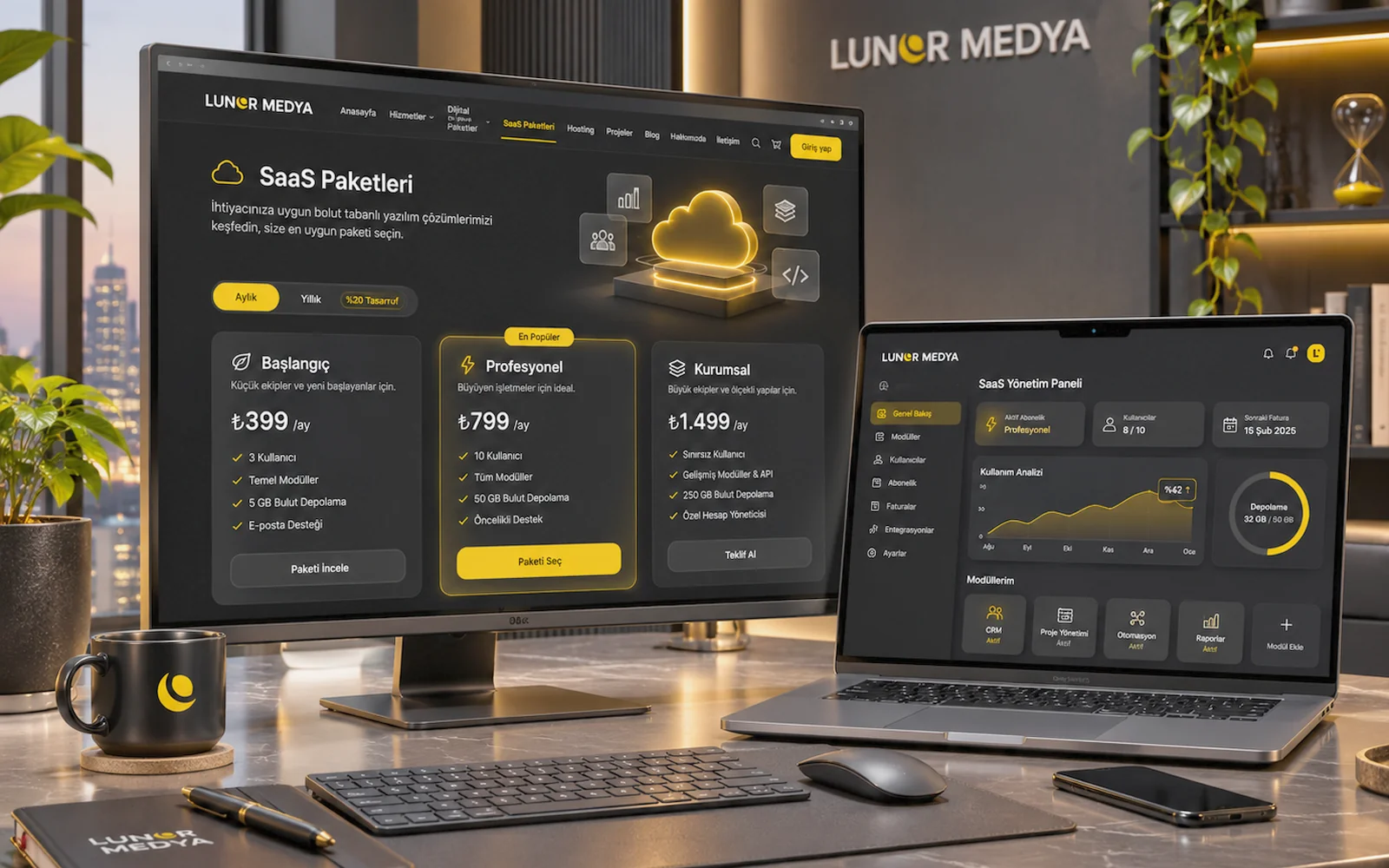
Representative image — screens, charts and figures are illustrative, not real client results.
SaaS Packages
Appointment & Booking SaaS
Online booking and calendar management for clinics, salons, barbers and consultancies, with scope and price set in an offer.
Priced on quote
This service needs a short assessment first. Tell us what you need and we will prepare a quote.
Get a quote Call us · 0545 315 71 94- Delivery
- After quote
- Delivery time
- Set in the offer after the discovery call
- SKU
- LM-SAAS-RANDEVU
Features
- Online appointment and booking requests
- Staff, chair and room calendars
- Reminders and cancellation rules
- Scope and activation set in the offer
- Client records and capacity management
- Role-based user permissions
- Privacy-aware (KVKK) form design
Description
What the Appointment & Booking SaaS Is
The Appointment & Booking SaaS is a planned web-based software service for businesses whose day is divided into time slots. It brings online booking, calendars, client records and capacity into one cloud system that authorised users open in a browser, with nothing to install. The aim is to cut down the double bookings, forgotten appointments and empty slots that come with taking bookings by phone, chat and paper diary.
The service does not switch on instantly as a ready subscription, and there is no fixed price on this page. After hearing about your sector, branches, staff and booking rules, we decide which modules you need and confirm scope and fee in a written offer. Our general approach to SaaS projects is described on the SaaS software solutions page.
Which Sectors It Suits
The system is designed for businesses that send a client to a specific resource (a person, chair, room or piece of equipment) at a specific time:
- Doctors with private practices and outpatient clinics
- Session-based health services such as dental, physiotherapy and dietitian practices
- Beauty centres, skin care and hair removal salons
- Hairdressers and barbers
- Consultancies such as counselling, legal, accounting and coaching
- Booking-based services such as tutoring, workshops, studio hire and meeting rooms
Modules Planned Around Your Needs
The headings below are not a list of ready features; they are modules whose scope is confirmed in the offer. A small barbershop may need only a few, while a multi-branch clinic needs far more detailed roles and capacity rules.
Online Booking
Clients can see available slots on your website or through a shared link and send a booking request. Whether bookings confirm instantly or only after your approval is set to suit your business.
Staff, Chair and Room Calendars
Each specialist, chair or room can have its own calendar. Working hours, breaks, days off and service durations are defined so the same resource is never double-booked.
Reminder Notifications
SMS or e-mail reminders before the appointment can be configured. SMS needs a provider contract in your name, and sending fees are paid to that provider.
Cancellation and Rescheduling Rules
You can define how close to the appointment a client may cancel or reschedule, how no-shows are marked and how freed-up slots reopen.
Client Records
Past appointments, preferred specialist, notes and contact details sit on the client record. For healthcare businesses these fields are chosen with particular care; the system is not set up as a replacement for medical records.
Capacity Management
For group classes, workshops or services that take several clients at once, quotas and a waiting list can be planned.
Reporting
Occupancy, cancellations, no-shows and bookings by service or staff member can be tracked in periodic reports.
User Permissions
Roles such as manager, reception and specialist can have different rights. A specialist might see only their own calendar while reception manages the whole branch.
Privacy-Aware Design (KVKK)
Booking forms collect only what is needed, with fields for a privacy notice and explicit consent where required under Turkey's data protection law (KVKK). For healthcare providers, form fields are kept to a minimum because of the risk of collecting special-category data. Legal obligations remain with your business; the system supports these processes.
Example Scenarios by Sector
These are illustrative examples of how the system could be configured, not real clients.
| Sector | Main need | Possible setup |
|---|---|---|
| Doctor's practice | Separating first visits from follow-ups | Different durations per appointment type, requests approved by the secretary, reminders |
| Multi-doctor clinic | Planning by doctor and room | Doctor calendars, room clash checks, branch-level permissions |
| Beauty centre | Use of devices and cabins | Room/device calendars, session bundle tracking, cancellation rules |
| Hairdresser | Durations that vary by service | Separate durations for cuts, colour and treatments, staff choice |
| Barber | Busy days run chair by chair | Chair calendars, quick rebooking, no-show tracking |
| Consultancy | Online and in-person meetings | Meeting type selection, consultant calendars, intake form |
| Workshop or studio | Bookings with limited places | Capacity limits, waiting list, per-session reports |
For doctors and clinics, booking is usually planned together with a website, so it can be combined with the Doctor & Clinic Website package. In line with Turkish health advertising rules, booking pages also keep an informational tone.
What to Consider When Choosing a Booking System
- Is a booking tied to a person, a chair, a room or equipment?
- Should bookings confirm instantly, or do they need your approval?
- How many branches, staff members and service types are there?
- What rules do you want for cancellations, rescheduling and no-shows?
- Will reminders go by SMS, e-mail or both?
- Which form fields are truly needed, and which only add risk?
The answers are worked out in the discovery call and form the basis of the scope.
Setup and Activation
- Discovery call: your sector, branches, staff and current booking method are discussed.
- Rules map: service durations, opening hours, cancellation rules and roles are written down.
- Offer: modules, setup steps, terms of use and the fee are set out in the offer.
- Setup: calendars, services, staff and notification templates are prepared for the agreed scope.
- Trial: flows are checked with sample records before real bookings are taken.
- Activation: users are created, the booking link goes live and your team is shown the basics. The date is confirmed in the offer.
Not Included or Assessed Separately
- SMS provider contract and sending fees
- Virtual POS and merchant agreement for online prepayment
- Domain name and website design
- Integration with third-party systems such as hospital information or accounting software
- New modules and custom development outside the offer
If your business needs a fully bespoke workflow beyond bookings, custom software development may suit you better. If you work mainly as a photographer, the Photographer SaaS Package also covers galleries and photo selection.