

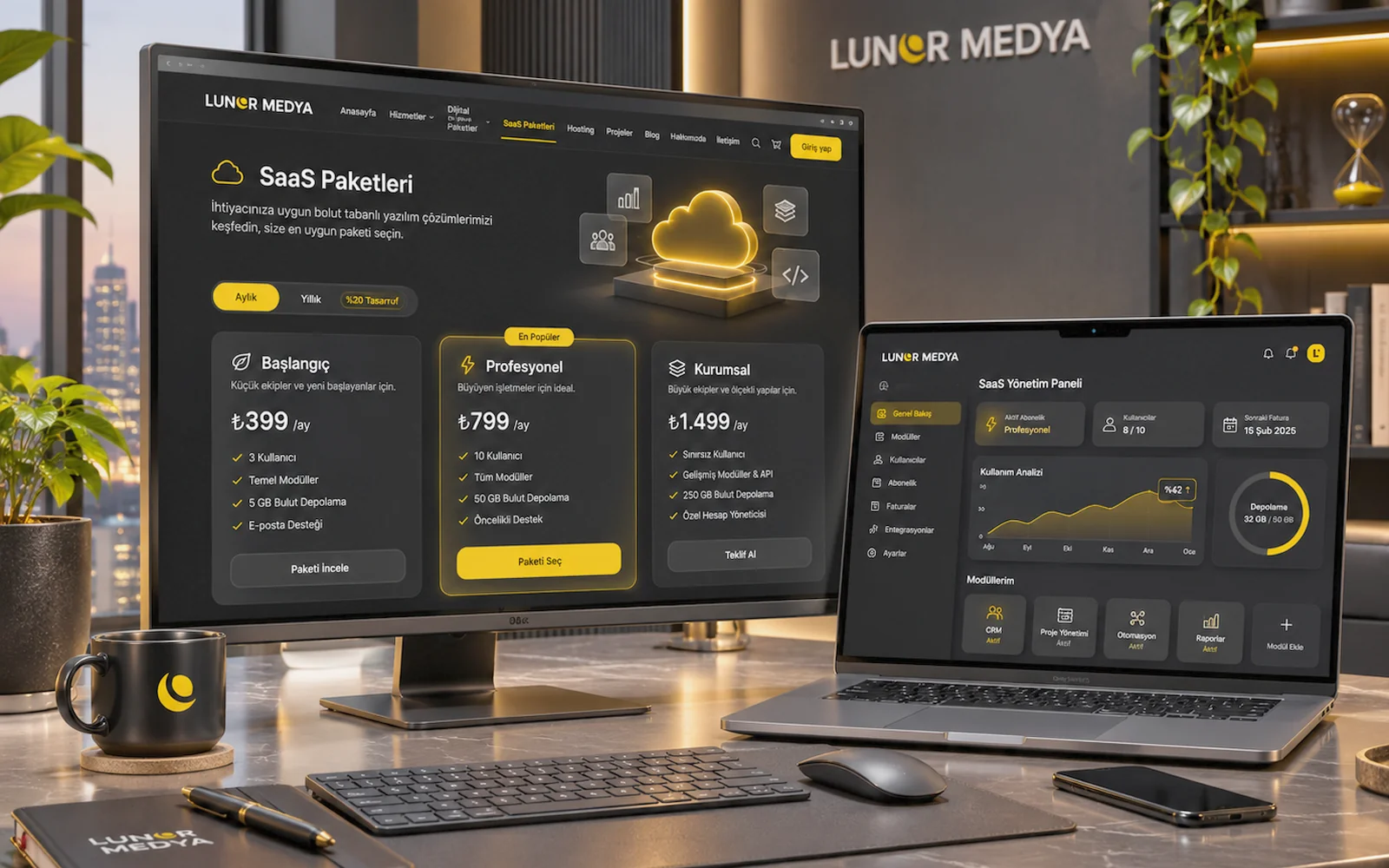
Representative image — screens, charts and figures are illustrative, not real client results.
SaaS Packages
Photographer SaaS Package
A SaaS service for photographers that brings clients, shoot calendar, galleries and orders into one panel, with scope set in the offer.
Priced on quote
This service needs a short assessment first. Tell us what you need and we will prepare a quote.
Get a quote Call us · 0545 315 71 94- Delivery
- After quote
- Delivery time
- Set in the offer after the discovery call
- SKU
- LM-SAAS-FOTOGRAF
Features
- Modules scoped in a discovery call
- Client, shoot calendar and booking tracking
- Client portal, gallery and photo selection
- Setup and activation confirmed in the offer
- Shoot packages, orders and payment tracking
- SMS/e-mail notifications (provider separate)
- Role-based access, privacy-aware design
Description
What the Photographer SaaS Package Covers
The Photographer SaaS Package is a planned web-based software service that brings a photographer's or small studio's clients, shoot calendar, orders and deliveries into one panel. It is not an off-the-shelf product: there is no automatic download and no account that opens instantly after purchase. We first listen to how you work, agree on the modules you actually need, and then set out the scope, setup steps and fee in a written offer.
The modules on this page are a framework based on common needs. Not every module appears in every project; some can be switched on in the first phase and others left for later. Our general approach is described on the SaaS software solutions page.
Who It Suits
The package is aimed at photographers who currently run their business through messaging apps, spreadsheets and scattered folders. A first call is likely worthwhile if any of these sound familiar:
- Several enquiries arrive for the same date during wedding, engagement, newborn, graduation or corporate seasons, and you track clashes by hand.
- The package sold, whether the deposit was paid and the remaining balance live in different places.
- Clients pick photos by sending lists of file numbers over e-mail or chat, and mistakes happen.
- You work with other photographers or assistants and want one shared view of who covers which shoot.
- Keeping clients updated on albums, prints or extra retouching after the shoot takes too much time.
A one-person studio may only need a few core modules, while a team needs more detailed roles and calendars. We cover that difference in the discovery call.
Modules Planned Around Your Needs
The modules below are not a list of ready-made features. They are building blocks adapted to your workflow, with the final scope confirmed in the offer.
Client Management
Contact details, past shoots, purchased packages and notes can sit on a single client record. If a couple you photographed at their wedding returns a year later for a newborn session, their earlier preferences and deliveries are one click away.
Shoot Calendar and Scheduling
Confirmed shoots, pre-shoot meetings, studio hours and delivery deadlines can share one calendar. Clash warnings, per-photographer views and location notes are configured as needed.
Booking Tracking
Dates can be tracked through statuses such as "on hold", "awaiting deposit" and "confirmed", with expiring holds highlighted and cancelled bookings kept on record.
Shoot Package Setup
Your packages (session length, number of edited images, albums or add-ons) can be defined in the system and linked to client records. Package contents and prices are set and managed by you.
Order and Service Tracking
Post-shoot work can be split into steps such as editing, album design, printing and delivery, so the team can see where each order stands.
Client Portal and Photo Gallery
A portal can let clients view their own gallery and follow package and payment details. Access method, retention period and storage needs are assessed per project; large file volumes may add infrastructure costs, which are stated separately in the offer.
Selection and Approval
Choosing photos for an album or prints, approving the selection and leaving revision notes can move into a digital flow, which removes much of the confusion of number lists.
SMS and E-mail Notifications
Shoot reminders, "gallery ready" notices or payment reminders can be planned. SMS requires your own contract with an SMS provider; sending fees are paid to that provider and are not part of the package fee. Consent and registration rules for commercial messages are reviewed separately.
Payment and Collection Tracking
Deposits, interim payments and outstanding balances can be recorded. If you want to take payments online, a virtual POS integration is assessed separately, and the merchant agreement is made in your name.
Reporting
Simple reports can show shoots per period, package mix, pending collections and delivery times. Which reports you need is decided by how you will use them.
Example Scenarios
These are illustrative examples, not real clients.
- Wedding photographer: booking tracking and the calendar matter most during peak season; deposits and balances are logged in the payment module, and album picks happen in the portal.
- Newborn and family studio: studio slots, set preparation and returning families make client records and scheduling the priority.
- Corporate and product photography team: delivery stages, several photographers' calendars and pre-invoice job summaries are followed through reporting.
Discovery Call, Setup and Activation
This package is not a subscription that switches on instantly. The process runs as follows:
- Discovery call: we discuss your shoot types, team, current tools and where you lose the most time.
- Scope proposal: the modules for the first phase, those left for later and any integrations are listed in writing.
- Offer: setup, configuration, terms of use and the fee are set out in the offer. Pricing is confirmed at this stage.
- Setup and configuration: fields, packages, statuses and notification templates are prepared for the agreed scope.
- Data import and trial: where suitable, existing client and booking lists are imported and flows are checked in a short trial.
- Activation and training: user accounts are opened and your team is shown the basics. The activation date is confirmed in the offer.
What Is and Is Not Included
| Item | Status |
|---|---|
| Discovery call and scope proposal | Included |
| Setup and configuration of modules approved in the offer | Included within the agreed scope |
| Basic user training | Included within the agreed scope |
| New modules or custom development outside the offer | Quoted separately |
| SMS provider and sending fees | Not included; your own contract |
| Virtual POS and payment provider agreement | Not included; your own contract |
| Domain name and extra storage | Assessed per project |
| Creative work such as retouching or album design | Not included |
Data Security and Privacy (KVKK)
The system holds personal data such as client names, phone numbers, e-mail addresses and shoot photos. Access is limited by user role, and gallery sharing and retention periods are agreed together. Privacy notices, consent where required and your duties as data controller under Turkey's data protection law (KVKK) remain with your business; the software provides fields to support these processes but does not replace legal advice.
Using It With a Website and Other Services
If you do not yet have a portfolio site, or your current one cannot take booking requests, the work can be planned together with a corporate website. If you need a sector-neutral system built mainly around bookings, see the Appointment & Booking SaaS page. For a fully bespoke workflow, custom software development may be the better fit.