

Website Maintenance & Support
Monthly
Priced on quote
- Term
- —
- Support
- —
- Backups
- —
Total service term: 1 month
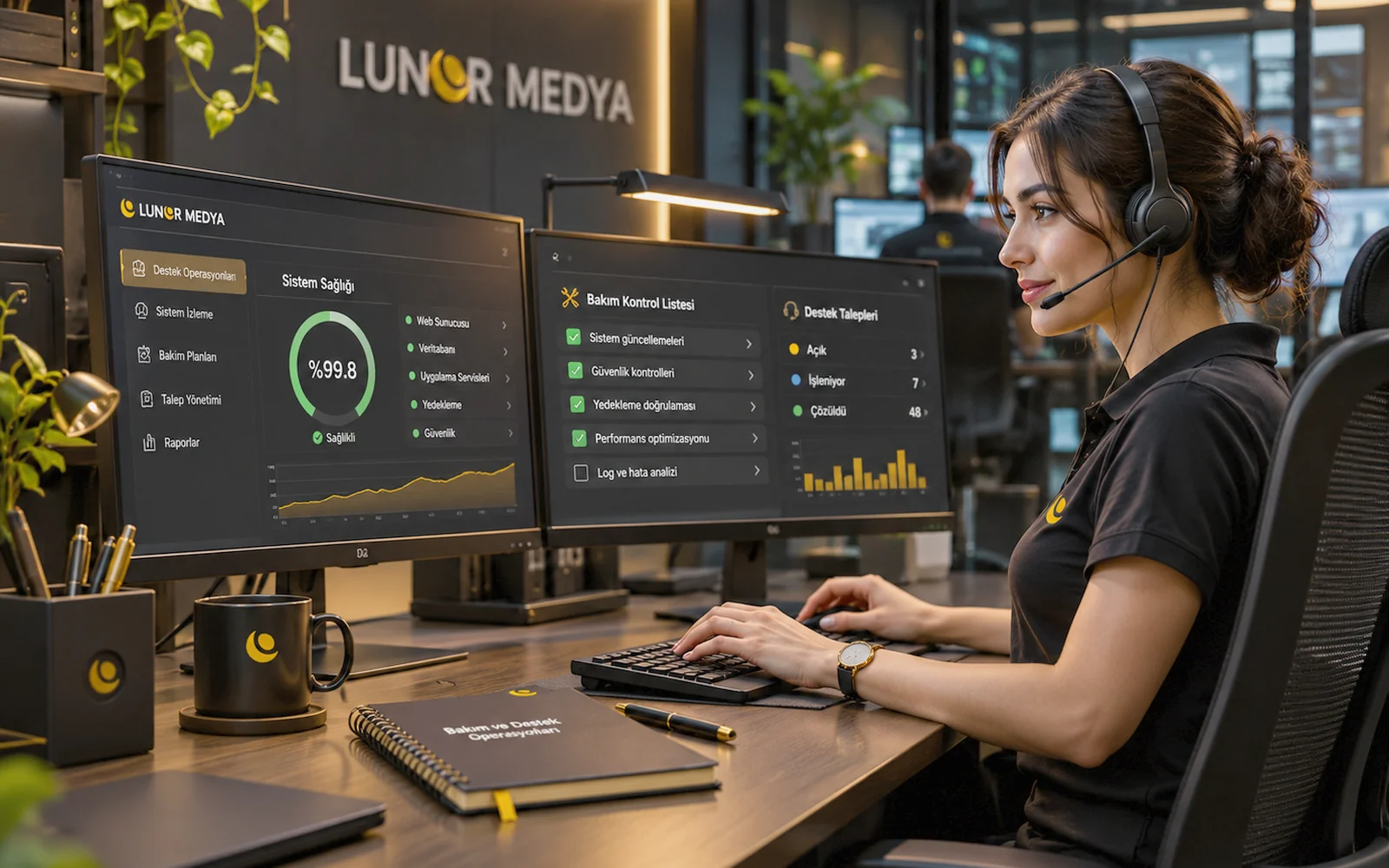
Representative image — screens, charts and figures are illustrative, not real client results.
Maintenance & Support Packages
Updates, security and backup checks, troubleshooting and content support. Scope, term and response times are set by quote.
Priced on quote
This package is priced for your needs. Fill in the short form and we will send you a quote.
Website Maintenance & Support
Priced on quote
Total service term: 1 month
Website Maintenance & Support
Priced on quote
Total service term: 6 months
Website Maintenance & Support
Priced on quote
Total service term: 12 months
A website is not finished on launch day. Software components get updated, plugins release new versions, browsers change, vulnerabilities surface and content needs refreshing. Website Maintenance & Support is a term-based service that keeps track of all this on a regular schedule and steps in when something breaks.
The service is priced by quote. Once we have reviewed your site's stack, the plugins and modules it uses, how often it changes and the level of support you need, the scope, term and response times are set out in the offer. Maintenance runs in terms such as 1, 6 or 12 months; the term length and fee are also confirmed in the offer.
For sites built by another team, a short technical review comes before the maintenance offer. It shows what the site runs on, whether it can be safely updated and what known issues exist.
A maintenance plan is put together from the following areas, depending on what your site needs:
Core software (WordPress, for example), themes, plugins and libraries are updated on a planned schedule. A backup is taken first; major version jumps that carry compatibility risk are assessed beforehand and scheduled with you if needed.
Admin accounts, unused plugins, file permissions, suspicious file changes and known vulnerabilities are checked at regular intervals. Risks are reported and, where in scope, fixed.
We check that backups are actually being taken and can be restored. The backup system may sit with your hosting provider or a separate tool; the maintenance service keeps an eye on it.
Page load times, pages that have grown heavy, oversized images and cache settings are reviewed. Anything dragging performance down is flagged with recommendations.
Broken links, failing forms, PHP errors, plugin conflicts and display issues are identified. Problems you report, or that we spot during checks, are resolved according to the scope and priority rules set in the offer.
Basic accessibility points such as image alt text, heading hierarchy, colour contrast, form labels and keyboard navigation are reviewed, and gaps are reported.
Your team gets answers to questions about using the admin panel and guidance on tasks such as adding pages, uploading images or editing menus.
You can send us changes to text, images, announcements, team details or contact information. The volume of content updates covered in each term is set in the offer.
Every site's maintenance needs are different. A brochure site that rarely changes and an online store taking orders every day cannot run on the same plan, so check frequency, update schedule and scope are tailored to your site.
Maintenance and support run as a term-based service. The shop offers 1-month, 6-month and 12-month term options; their fees are set in the offer according to your site's scope.
| Term | When it fits |
|---|---|
| 1 month | Fixing a specific issue, managing one update cycle or trying out the service |
| 6 months | Sites that need regular updates and security checks with a moderate amount of content changes |
| 12 months | Sites that must keep running, receive regular content updates and need a long-term maintenance plan |
We decide on the right term together in the first call, based on your site's condition and your expectations.
Requests are accepted by email (info@lunormedya.com) and phone/WhatsApp (0545 315 71 94). Response times and working hours are set out in writing in the offer. Critical issues, such as the site being down or checkout failing, are handled before routine requests like content edits. Requests are prioritised according to the rules defined in the offer.
During a maintenance term, needs may come up that fall outside the agreed scope: a new page template, an integration, a design change or extra content work. These are quoted separately. Once you approve, the additional service is assigned to your customer account by our admin team, so your maintenance plan and any extra work are tracked under the same account.
Work done during the term is logged and shared with you as a summary. The report covers updates and version changes, security check results, backup status, bugs fixed, content requests handled and recommendations for next steps. Reporting frequency is set in the offer, so you always know what has changed on your site and which risks remain open.
These can be quoted as additional services when needed. For new development, see our WordPress / PHP software service.
A site that is not kept up to date becomes exposed to vulnerabilities, compatibility errors and slowdowns over time. Fixing things in a rush after they break is usually harder than keeping an eye on them. Planned maintenance means updates happen under control and problems are caught before they grow. If you want to build a routine in-house, our article on a WordPress maintenance routine is a good place to start. For our general approach, see the Maintenance and Support service page.
Your cookie choices
We use strictly necessary cookies to run the site. Analytics and marketing cookies run only with your consent.
Manage preferences
Added to your cart