

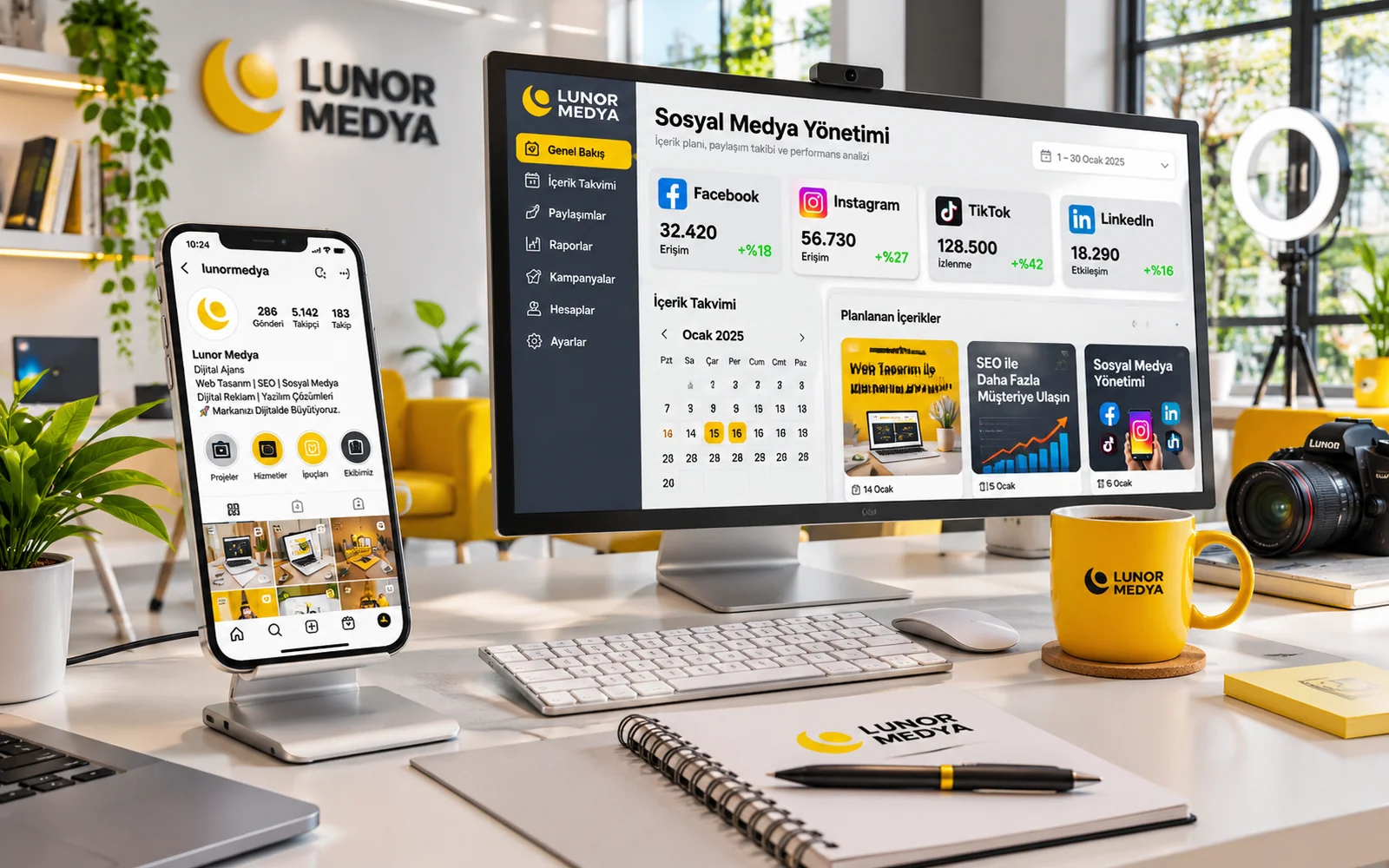
Representative image — screens, charts and figures are illustrative, not real client results.
Social Media Packages
Social Media Management
Setup, tracking and optimisation of your Facebook and Instagram ad campaigns. Scope and fee are set by quote.
Priced on quote
This package is priced for your needs. Fill in the short form and we will send you a quote.
Get a quote Call us · 0545 315 71 94- Delivery
- Performed as a service
- Delivery time
- Setup time is set in the quote; work starts once access is in place
- SKU
- LM-SOSYAL-YONETIM
Features
- Meta (Facebook and Instagram) ad management
- Audience analysis and campaign strategy
- Conversion tracking with Meta Pixel and the Conversions API
- Conversion-focused performance reporting
- Ad budget planning and A/B testing
- Retargeting campaigns
- Ad spend is paid directly to Meta
Description
Despite its name, this package has a clear focus: paid advertising on Facebook and Instagram. Lunor Medya plans, builds, measures and refines your campaigns in Meta Ads Manager on your behalf. Your ad spend is paid directly to Meta with your own payment method and is kept separate from the management fee.
What This Package Is For
Many businesses start with the "Boost post" button. It is quick, but it gives limited control over targeting, measurement and budget. A managed ad service ties each campaign to a business goal: a form submission, a WhatsApp message, a purchase on your website, an appointment request or a visit to a specific page. Campaigns are built around that goal, measured against it and adjusted when the data says so.
You can read about the wider service on our Meta Ads page. This shop package is the practical way to start that service through a quote.
Scope of the Service
The exact scope is agreed in the quote, based on your goals and the current state of your ad account. It typically covers:
- Meta ad management: setup and monitoring at campaign, ad set and ad level in Ads Manager.
- Facebook ad campaigns: goal-driven campaigns across Feed, Marketplace, Messenger and other Facebook placements.
- Instagram ad campaigns: awareness, traffic or conversion campaigns in Feed, Explore and Stories placements.
- Audience analysis: defining audiences from your customer profile, service area and the buying process of your product or service.
- Campaign strategy: which objective, which audience and in what order ads will run.
- Ad account and conversion tracking setup: checking Business Manager, the ad account, page connections and domain verification.
- Measurement: configuring Meta Pixel and the Conversions API where they suit your website.
- Budget planning: a recommendation on how spend should be split across campaigns and periods.
- A/B testing: controlled comparisons of audiences, messages, visuals or placements.
- Campaign optimisation: data-led changes to budget, targeting and ads.
- Performance analysis and conversion-focused reporting: interpreting spend, results and cost per result.
- Retargeting strategies: campaigns for people who visited your site, watched your videos or engaged with your profile.
Audience and Campaign Strategy
Strategy starts with a simple question: who do we want to reach, and what do we want them to do? For a furniture store, the goal might be WhatsApp enquiries from people interested in home decor in certain districts. For a training institute, it might be collecting information requests in the weeks before enrolment opens.
Audience layers
- Cold audiences: people who don't know your brand yet, defined by interests, demographics or location.
- Warm audiences: people who watched your ads, visited your profile or came to your website.
- Hot audiences: people who added to cart, started a form or contacted you before.
Each layer needs a different message. Showing a discount code to someone who has never heard of you is usually premature; re-introducing your brand to someone who abandoned a cart is wasted effort. The campaign structure reflects that difference.
Measurement and Conversion Tracking
You cannot optimise what you don't measure, so one of the first steps is reviewing your tracking. On sites that sell or collect leads, Meta Pixel records events in the browser. The Conversions API sends events from the server, which helps reduce the impact of browser restrictions. Our article Meta Pixel and the Conversions API explains the difference in detail.
What we check during tracking setup
- Whether the Pixel fires on the right pages.
- Whether standard events such as purchase, lead and add-to-cart trigger correctly.
- Domain verification and event prioritisation settings.
- Deduplication when the same event is sent from both browser and server.
- Compatibility with your cookie consent and privacy notice under Turkish data protection law (KVKK).
How the Conversions API is set up depends on your platform. On some ecommerce platforms a plugin is enough; on custom-built sites it may require development work. If that is needed, it is listed separately in the quote.
Budget Planning and A/B Tests
There are two separate cost items, and they should not be confused:
| Item | Paid to | How it is set |
|---|---|---|
| Ad spend | Meta directly, via the payment method on your ad account | By you, based on your goals and our recommended budget plan |
| Management fee | Lunor Medya | By quote, according to scope and campaign workload |
The budget plan suggests how much each campaign should get, how much to reserve for testing and how spend might change in seasonal periods. The final decision is always yours.
How A/B tests work
A test changes one variable at a time. For example, the same audience sees two different headlines while everything else stays the same. Results are compared only after enough impressions and outcomes have built up; tests stopped too early can mislead, so test length is planned around the budget.
Optimisation and Retargeting
Once campaigns are live, they are reviewed regularly. We look for ad sets whose cost per result is rising, audiences with frequency climbing too high and ads with weak click-through rates. Typical adjustments include:
- Shifting budget towards ad sets that perform better.
- Recommending fresh variations to replace fatigued ads.
- Narrowing or widening audiences, or adding exclusion lists.
- Reviewing placements and delivery settings.
For retargeting, people who visited your site and left without acting are reached again with a different message. Ecommerce sites can use catalogue-based dynamic ads; service businesses often do better with informative, trust-building messages.
Reporting
Reports show clearly what your budget achieved. Likes and reach alone do not equal business results, so reports focus on conversions: leads, messages, purchases, cost per result and, where measurable, return on ad spend. Report frequency and format are set in the quote.
What Is Not Included
To set the right expectations from day one, here is what falls outside this package:
- Creative production: ad visuals, video shoots and editing are not included. If you need them, they can be quoted separately under our content production service. Campaigns can also run on your existing visuals.
- Ad spend: the budget paid to Meta is not part of the management fee.
- TikTok Ads and LinkedIn Ads: not part of this package; they can be considered separately if needed.
- Website development: landing page design or tracking code development is handled as separate work.
- Guaranteed outcomes: results depend on your market, competition, budget, offer and website experience. No specific number of sales, leads or cost level is promised.
How We Work
- Discovery call: we discuss your goals, service area, previous ad experience and budget range.
- Access and review: partner access to your ad account, page and Instagram account is granted through Business Manager. Ownership stays with you.
- Quote: scope, reporting frequency and the management fee are confirmed in writing.
- Setup: tracking is checked, and audiences and campaign structure are built.
- Launch and learning: campaigns go live and Meta's learning phase is monitored.
- Optimisation and reporting: adjustments follow the data, and reports arrive at the agreed frequency.
What We Need From You
- Access to your Meta Business Manager, or approvals to set it up together.
- A valid payment method on the ad account.
- Images, videos and brand information for the ads.
- Up-to-date product, service, price and offer details.
- Timely follow-up on incoming leads and messages: ads bring enquiries, but turning them into sales depends on your team.
If you prefer a fixed-term engagement with a monthly optimisation cycle, take a look at the term-based model on the Social Media Management Package page.